Wacom Featured Artist – Ian David Marsden
Wacom featured my work as part of its international artist programme, presenting a selection of my illustration practice on the official Wacom platform together with a 12-part video series on drawing, character design, digital inking and visual process.
For me, this matters because Wacom has been part of my daily working life for many years. My studio process combines hand drawing with digital production, and Wacom tools have been central to that workflow across editorial illustration, comics, character design, explainer graphics, branding visuals and commercial commissions.
This page gathers that material in one place: the artist feature, the video series, and a selection of work connected to the way I draw and develop images professionally.
For a quick, shareable overview of my illustration range, download my illustrator portfolio PDF.
Artist feature and video series
Wacom presented my work through an official artist feature and a structured series of tutorial and process videos. These focused on practical aspects of professional drawing: sketch development, cartoon line work, digital painting, character construction, sequential thinking and hand-drawn visual communication.
The material reflects the way I actually work in the studio. It is not speculative or trend-driven. It is based on drawing as a professional craft: building images from observation, timing, line, rhythm, colour and composition, then taking them through to finished artwork for print, screen or motion.
How Wacom fits into my workflow
I began working digitally with Wacom hardware in the early 2000s and have used it continuously across different stages of my career. Today, it remains a core part of my studio setup for sketching, inking, vector drawing, digital paint, storyboards, comics pages, editorial artwork and presentation visuals.
That continuity matters. The same drawing-based workflow can move across very different kinds of assignments: Google Doodles, logo and mascot design, campaign illustration, editorial work, comics and hand-drawn explainer videos. The tools change the efficiency of production, but the foundation is still draftsmanship and visual thinking.
Recognition in context
Being featured by Wacom sits naturally within the broader arc of my practice. My work has moved between publishing, editorial cartooning, branded communication, character design, visual storytelling and animation-related projects for clients including Google, Coca-Cola, Mercedes-Benz, Dräger and many others.
This page is therefore not separate from the rest of the portfolio. It connects directly to the way I work: hand-drawn, concept-led, technically fluent, and comfortable across both traditional illustration culture and digital production environments.
What you will find in the gallery
The video gallery below includes selected Wacom-featured tutorials, demonstrations and drawing sessions. Together they show a range of approaches: cartoon and comic drawing, digital inking, painterly colouring, character work, and process-based illustration development.
For art directors, clients, students and fellow illustrators, these videos give a practical view of how ideas move from rough sketch to finished image inside a professional studio workflow.
Related work
This feature connects especially well with my work in business and campaign illustration, logo and mascot design, comics and sequential illustration, book illustration and hand-drawn explainer videos.
For project breakdowns and client applications, you can also browse the Case Studies page.
Wacom Video Gallery
-
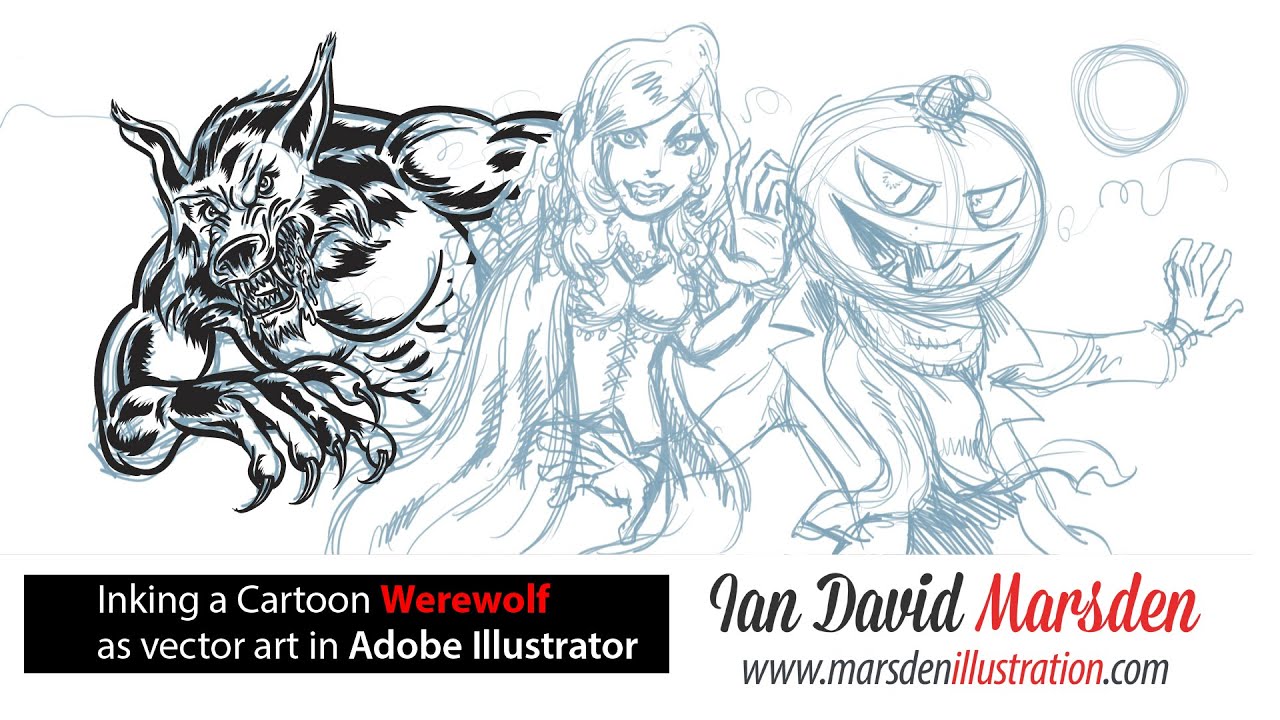
This tutorial video is the first in a five-part Halloween illustration series by Ian David Marsden, official Wacom Featured Artist. In this episode, Marsden sketches classic Halloween characters — including a werewolf, vampire witch, and Jack-O’-Lantern — using Sketchbook Pro on a Wacom Cintiq tablet.
Originally showcased on the official Wacom website, this video highlights Marsden’s hand-drawn cartoon style and workflow for editorial illustration, mascot design, and visual storytelling. The series is ideal for illustrators seeking insight into digital sketching with pen tablets and professional design tools.
Wacom Featured Artist: Sketching Halloween Monsters in Sketchbook Pro – Ian David Marsden -
In this video, illustrator and official Wacom Featured Artist Ian David Marsden demonstrates how to ink a classic cartoon-style Wolfman using Adobe Illustrator on a Wacom tablet. The video showcases precise vector brush techniques tailored for editorial and mascot design.
This is Part 2 of a five-part Halloween illustration tutorial series originally featured on the official Wacom website. The series documents the complete process from hand-drawn sketch to fully colored vector artwork.
https://marsdenillustration.com/hand-drawn-video-animation/
https://marsdenillustration.com/case-studies-page/
Wacom Featured Artist: Inking a Halloween Werewolf in Adobe Illustrator -
Part 3 of a five-part Halloween series originally featured on the official Wacom website. Illustrator Ian David Marsden demonstrates how to create a stylized vampire character using Adobe Illustrator and a Wacom Cintiq tablet. The tutorial covers expressive line work, vector shading, and character design techniques relevant to editorial and mascot illustration.
https://marsdenillustration.com/hand-drawn-video-animation/
https://marsdenillustration.com/case-studies-page/
Wacom Featured Artist: Drawing a Seductive Vampire in Adobe Illustrator -
Part 4 of a five-part Halloween series originally featured on the official Wacom website. Illustrator Ian David Marsden demonstrates how to create a Jack-O’-Lantern cartoon using Adobe Illustrator and a Wacom Intuos tablet. The video showcases professional vector inking, character development, and flat color workflows for festive editorial and mascot design.
https://marsdenillustration.com/hand-drawn-video-animation/
https://marsdenillustration.com/case-studies-page/Wacom Featured Artist: Drawing a Jack-O’-Lantern Character in Adobe Illustrator -
This professional tutorial is part of Ian David Marsden’s official Wacom Featured Artist series, originally showcased on the Wacom global website. In this episode, he demonstrates how to digitally color a Halloween-themed monster character using vector flatting techniques in Adobe Illustrator. The workflow, created entirely on a Wacom Cintiq tablet, shows how to achieve clean, expressive comic-style results suitable for editorial illustration, mascot design, and character development.
View more explainer videos and tutorials:
marsdenillustration.com/hand-drawn-video-animation/
See detailed project case studies:
marsdenillustration.com/case-studies-page/
Wacom Featured Artist: Coloring Comic Art in Adobe Illustrator – Ian David Marsden -
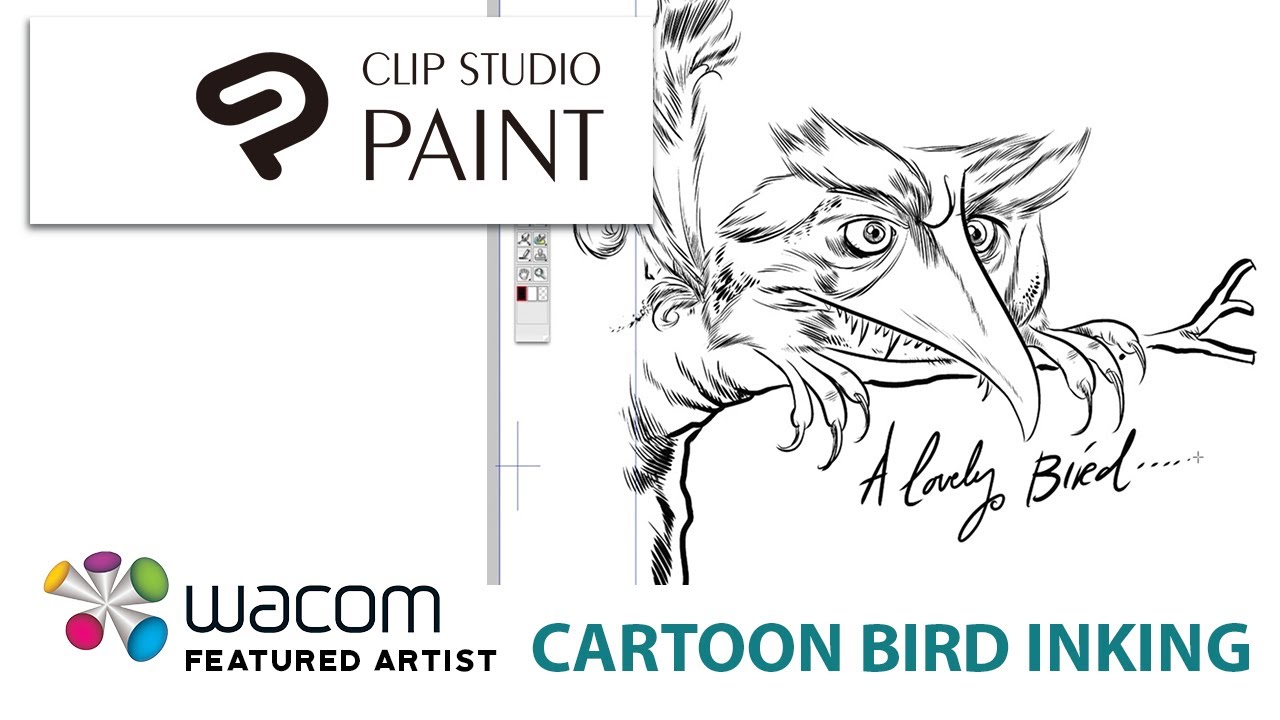
Part 1 of a two-part inking tutorial originally featured on the official Wacom website. Illustrator Ian David Marsden demonstrates how to create clean, expressive line art for a whimsical cartoon bird using Clip Studio Paint (Manga Studio EX) and a Wacom Cintiq tablet. Ideal for illustrators working in character design, editorial, or branding.
https://marsdenillustration.com/hand-drawn-video-animation/
https://marsdenillustration.com/case-studies-page/
New videoWacom Featured Artist: Inking a Cartoon Bird in Clip Studio Paint -
Part 2 of a two-part illustration tutorial originally featured on the official Wacom website. In this episode, professional illustrator Ian David Marsden demonstrates how to add dynamic color to a hand-inked cartoon bird using Adobe Photoshop on a Wacom Cintiq tablet.
This video walks through the digital coloring process — from flat base tones to refined shading and highlights — all tailored for editorial cartooning, mascot design, and character art. Emphasis is placed on non-destructive workflows, layer management, and visual clarity. The tutorial is ideal for illustrators and designers looking to polish their Photoshop techniques while maintaining a traditional cartoon aesthetic.
All artwork is created from scratch using professional digital tools.
More information and related tutorials:
marsdenillustration.com/hand-drawn-video-animation/
marsdenillustration.com/case-studies-page
Wacom Featured Artist: Coloring a Cartoon Bird in Adobe Photoshop -
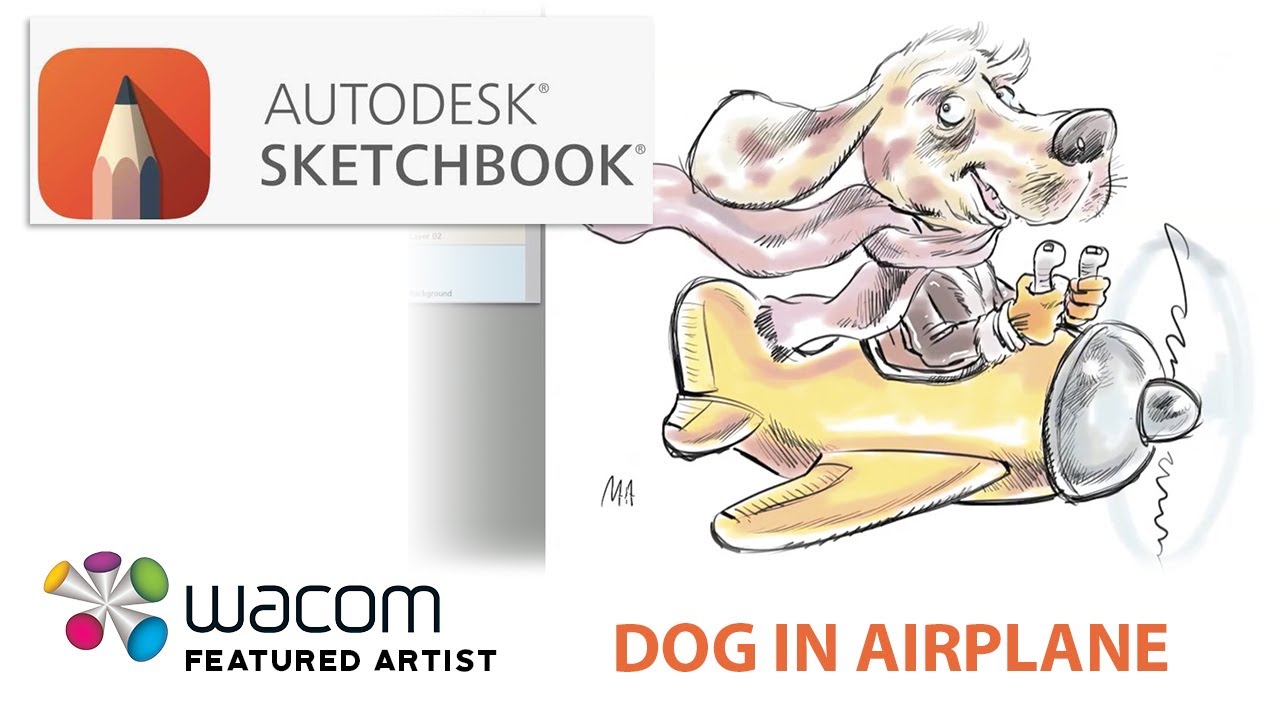
In this children’s book illustration tutorial, Ian David Marsden — professional illustrator and official Wacom Featured Artist — creates a charming cartoon dog flying a yellow propeller airplane, complete with a pink scarf fluttering in the wind. Drawn in Sketchbook Pro using a Wacom Cintiq tablet, this video showcases hand-drawn line art and expressive composition techniques perfect for whimsical, kid-friendly artwork.
Originally featured on the official Wacom website, this video is part of a 12-part series that demonstrates Ian’s professional workflow across leading digital art software platforms. Ideal for illustrators working in editorial, mascot design, and children’s media.
Topics covered:
• Sketchbook Pro drawing techniques
• Children’s book illustration fundamentals
• Whimsical character design
• Wacom Cintiq digital inking
• Drawing movement and emotion
Links:
• Portfolio: marsdenillustration.com
• More tutorials: marsdenillustration.com/hand-drawn-video-animation/
• Case studies: marsdenillustration.com/case-studies-page/
Wacom Featured Artist: Drawing a Cartoon Dog Flying an Airplane in Sketchbook Pro -
This video shows Ian David Marsden sketching a quirky “Mad Scientist” character using Sketchbook Pro by Autodesk on a Wacom Cintiq tablet. Part of a four-part illustration series originally featured on the official Wacom website, this episode focuses on the early concept stage of character development. Ideal for editorial illustrators, character designers, and branding professionals working in digital media.
Wacom Featured Artist: Sketching a Mad Scientist in Sketchbook Pro -
This is Part 2 of Ian David Marsden’s 4-part Mad Scientist tutorial series. In this step, the character is inked and colored using vector techniques in Adobe Illustrator on a Wacom Cintiq tablet. The video shows professional brushwork and flat-color workflows tailored for character design, editorial illustration, and mascot creation.
Originally featured on the official Wacom website as part of Ian’s recognition as a Wacom Featured Artist.
Wacom Featured Artist: Inking & Coloring a Mad Scientist in Adobe Illustrator -
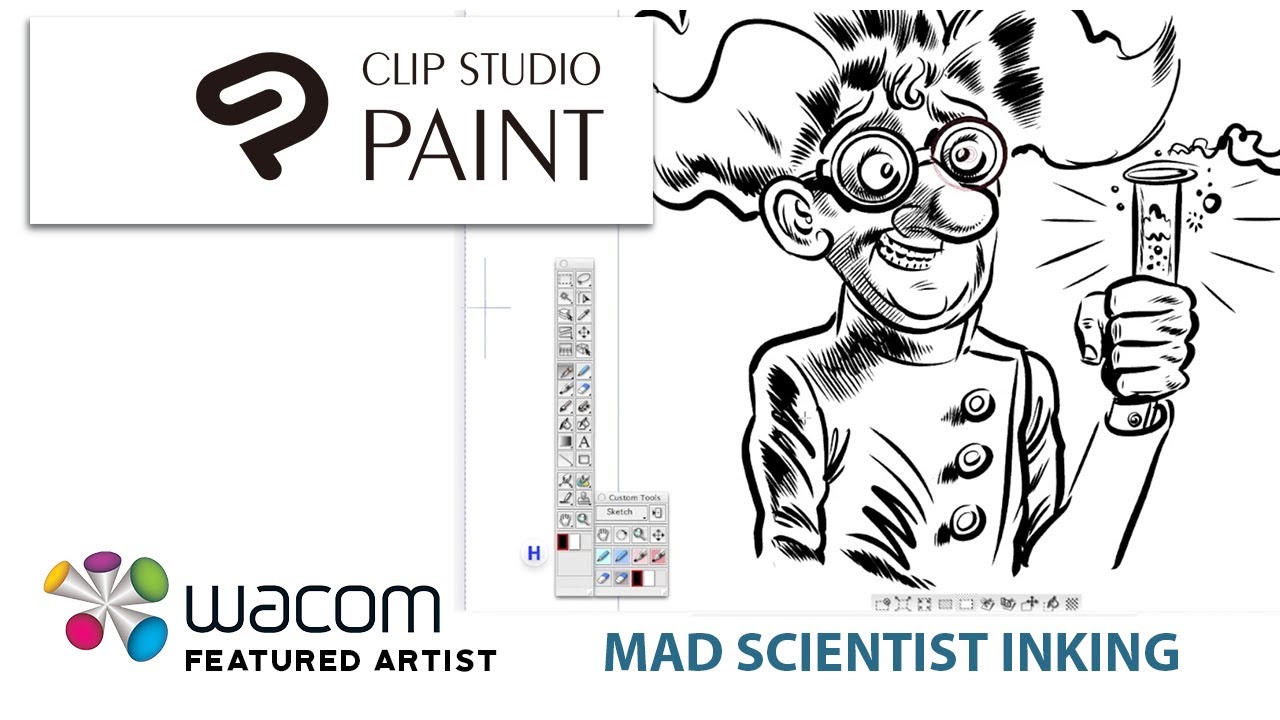
In Part 3 of the Mad Scientist illustration series, Ian David Marsden inks the character using Manga Studio EX4 (now known as Clip Studio Paint). The video showcases professional line art techniques with Wacom tablet precision — ideal for illustrators working in editorial art, comics, and character design.
Part of a 4-part tutorial originally featured on the official Wacom website as part of Ian’s recognition as a Wacom Featured Artist.
Wacom Featured Artist: Inking a Mad Scientist in Clip Studio Paint -
In this final part (Part 4) of the Mad Scientist illustration series, professional illustrator and official Wacom Featured Artist Ian David Marsden brings his character to life with rich, atmospheric coloring in Adobe Photoshop. Using a Wacom Cintiq tablet, he demonstrates advanced digital painting techniques including shading, highlights, and effects that give the artwork energy and depth.This 4-part series — originally featured on the official Wacom website — documents Ian’s creative workflow across four leading platforms: Sketchbook Pro, Adobe Illustrator, Clip Studio Paint, and Photoshop.⸻🎨 Tools & Topics Covered:•Adobe Photoshop coloring workflow•Layer-based shading and lighting techniques•Creating mood and depth with color•Digital painting with Wacom Cintiq•Finalizing a character illustration from sketch to color⸻👨🎨 About the Artist:Ian David Marsden is a professional illustrator, cartoonist, and graphic novel artist. He was an official Wacom Featured Artist, and his work has appeared in MAD Magazine, The New Yorker, and campaigns for clients such as Google, Coca-Cola, Daimler, Dräger, and more.⸻🔗 Links:•🌐 Portfolio: https://marsdenillustration.com•📽️ More video tutorials: https://marsdenillustration.com/hand-drawn-video-animation/•📚 Case studies: https://marsdenillustration.com/case-studies-pageWacom Featured Artist: Coloring a Mad Scientist in Photoshop – Ian David Marsden -
As part of the official Wacom Featured Artist series, this video offers a behind-the-scenes look at the animated music video “Smoke Two Joints” by The Toyes, directed and illustrated by Ian David Marsden.
Created using Adobe Flash (now Animate) and a Wacom Cintiq tablet, the project showcases Marsden’s approach to expressive character design, stylized cartoon animation, and psychedelic visual storytelling. The video includes alien spacecraft, dancing trees, and animated band members—each hand-drawn and animated frame-by-frame using traditional techniques in a digital workflow.
This project bridges mascot-style character illustration, cartoon storytelling, and music video art direction. It also reflects Marsden’s long-standing expertise in editorial and entertainment animation.
All visuals are fully hand-drawn without AI tools.
See more illustration and animation work:
marsdenillustration.com/animation-and-video/
marsdenillustration.com/logos-and-mascots/
marsdenillustration.com/cartoons-and-comics/
marsdenillustration.com/hand-drawn-video-animation/
marsdenillustration.com/case-studies-pageAnimated Music Video - Adobe Flash for “Smoke Two Joints” by The Toyes -
his stand-alone video from Ian David Marsden’s official Wacom Featured Artist series reveals the full vector workflow behind a bold and energetic packaging concept. Watch as Marsden designs the VIP edition of PARTYPOW, an energy drink brand, using Adobe Illustrator on a Wacom Cintiq tablet. The tutorial highlights best practices for creating clean, production-ready files with well-organized layers, custom typography, and visual punch.
This video is ideal for illustrators, designers, and brand developers interested in learning how to use Adobe Illustrator for professional packaging design. Marsden’s process reflects his 30+ years of experience as a freelance illustrator and character designer, with a client list including Coca-Cola, Ritzenhoff, and Google.
More examples and case studies:
marsdenillustration.com/hand-drawn-video-animation/
marsdenillustration.com/case-studies-page/Wacom Featured Artist: Energy Drink Packaging in Adobe Illustrator – Ian David Marsden -
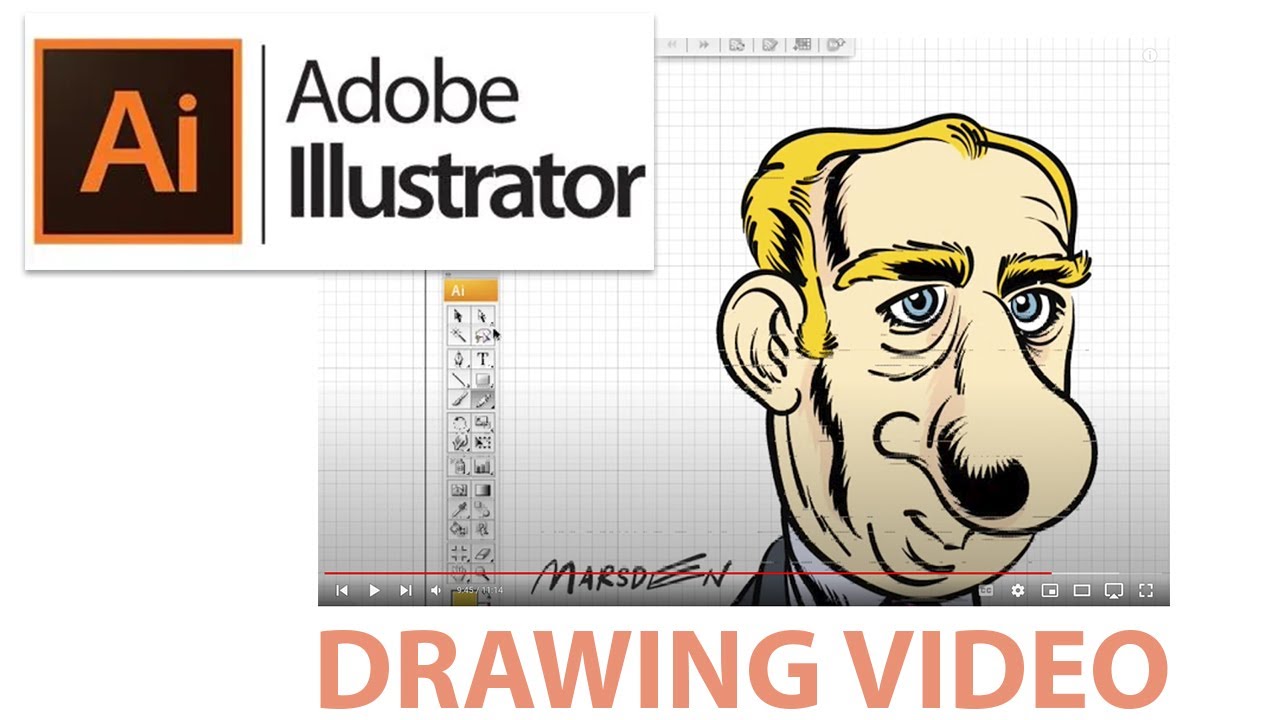
This video is part of the official Wacom Featured Artist series, originally published on the Wacom homepage. Illustrator and cartoonist Ian David Marsden demonstrates how to transform a loose pencil sketch into clean vector line art using Adobe Illustrator and a Wacom Cintiq tablet.
The tutorial features a stylized cartoon man with exaggerated features, focusing on confident digital inking, expressive line control, and pressure-sensitive brushwork. This process is especially relevant for professionals working in mascot creation, editorial cartoons, or logo-based character design.
All illustrations are 100% hand-drawn, with no AI tools involved.
Explore related work:
marsdenillustration.com/logos-and-mascots/
marsdenillustration.com/cartoons-and-comics/
marsdenillustration.com/hand-drawn-video-animation/
marsdenillustration.com/case-studies-pageWacom Featured Artist: Cartoon Man Vector Inking – Adobe Illustrator -
This video introduces Ian David Marsden, an internationally published illustrator, cartoonist, and creative director — and one of a select group officially recognized as a Wacom Featured Artist. This video was originally featured on the Wacom homepage as part of a curated artist series.
Marsden reflects on his three-decade career working with high-profile clients including The New Yorker, MAD Magazine, Playboy, Google, Wacom, and La Toya Jackson. He is also the original designer of the first Google Doodle, created for the Sydney Olympics in 2000.
His work spans editorial cartoons, mascot and logo design, animated explainer videos, and visual storytelling for print and screen—always 100% hand-drawn using professional tools like Adobe Creative Cloud and Wacom Cintiq tablets.
Explore his professional portfolio and services:
marsdenillustration.com/editorial-illustration-by-ian-marsden/
marsdenillustration.com/logos-and-mascots/
marsdenillustration.com/hand-drawn-video-animation/
marsdenillustration.com/case-studies-page
Meet Ian David Marsden – Wacom Featured Artist Profile -
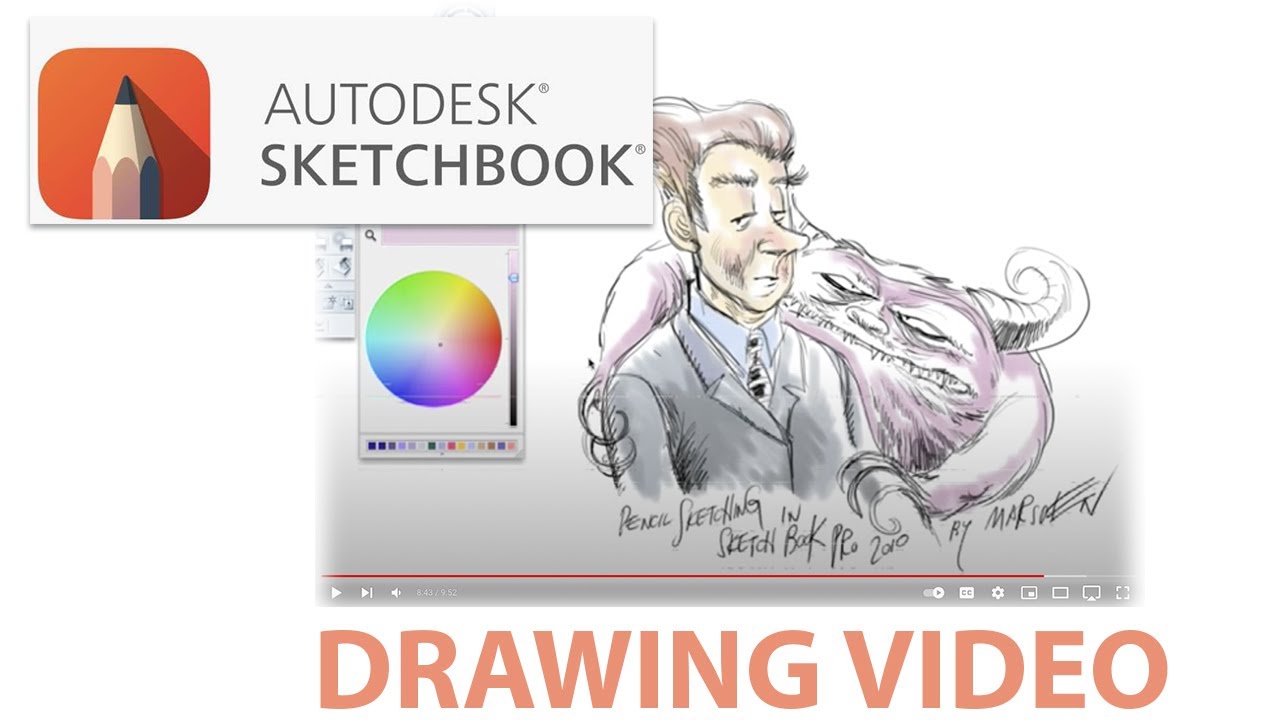
This peaceful, real-time screen video is part of the official Wacom Featured Artist series, originally published on the Wacom homepage. Illustrator Ian David Marsden creates a warm, emotionally expressive cartoon scene in Autodesk Sketchbook Pro using his Wacom Cintiq tablet.
The artwork shows a friendly, fuzzy monster hugging a man in a suit — a character moment rendered in soft digital pencil and pastel, with painterly gouache-style coloring. The result evokes the charm of children’s book illustration, while remaining grounded in professional line art and color control.
This video is ideal for artists interested in gentle character interaction, storybook illustration, or cartoon emotionrendered in traditional style using digital tools.
Explore more illustration work:
marsdenillustration.com/childrens-book-illustration/
marsdenillustration.com/logos-and-mascots/
marsdenillustration.com/hand-drawn-video-animation/
marsdenillustration.com/case-studies-page
Sketchbook Pro Drawing – Man with Fuzzy Monster | Wacom Artist -
Gallery Description (100–200 words):
This festive illustration is part of the official Wacom Featured Artist series, originally featured on the Wacom homepage. Illustrator and graphic novel author Ian David Marsden draws a heartwarming winter scene using Autodesk Sketchbook Pro on a Wacom Cintiq pen display.
Santa and Rudolph toast with raspberry juice in the middle of a soft snowstorm, rendered in a charming children’s book style. The drawing process features expressive pencil work and subtle digital gouache-style shading, creating a cozy, nostalgic holiday feel.
All artwork is 100% hand-drawn, with no AI tools involved. This piece exemplifies Marsden’s approach to emotion-driven character illustration for picture books and editorial formats.
See more children’s book illustrations:
marsdenillustration.com/childrens-book-illustration/
marsdenillustration.com/hand-drawn-video-animation/
marsdenillustration.com/case-studies-page
Santa & Rudolph in the Snow – Wacom Featured Artist Drawing
Ian David Marsden
www.marsdenillustration.com
Google Doodles | Logo & Mascot Design | Business Illustration | Case Studies
© 2026 Ian David Marsden — displayed for self-promotional purposes under rights granted by terms and conditions.